
Unsubscribe
Email Unsubscribe / Opt-Out & Re-Subscribe
Contacts can unsubscribe from marketing emails by clicking the unsubscribe link in the footer. This typically affects action plans and batch emails. Action Plans rely on compliant communication. When a contact unsubscribes or opts out, respect their choice immediately to stay compliant with regulations (CAN-SPAM, TCPA, etc.)
The unsubscribe option for contacts is automatic via the footer link. To resubscribe (with contact permission), email support@followupboss.com with the contact’s email address.
Use the information from the FUB Help Center to learn how to learn when a contact has unsubscribed and how to handle it:
Unsubscribing from Marketing Emails
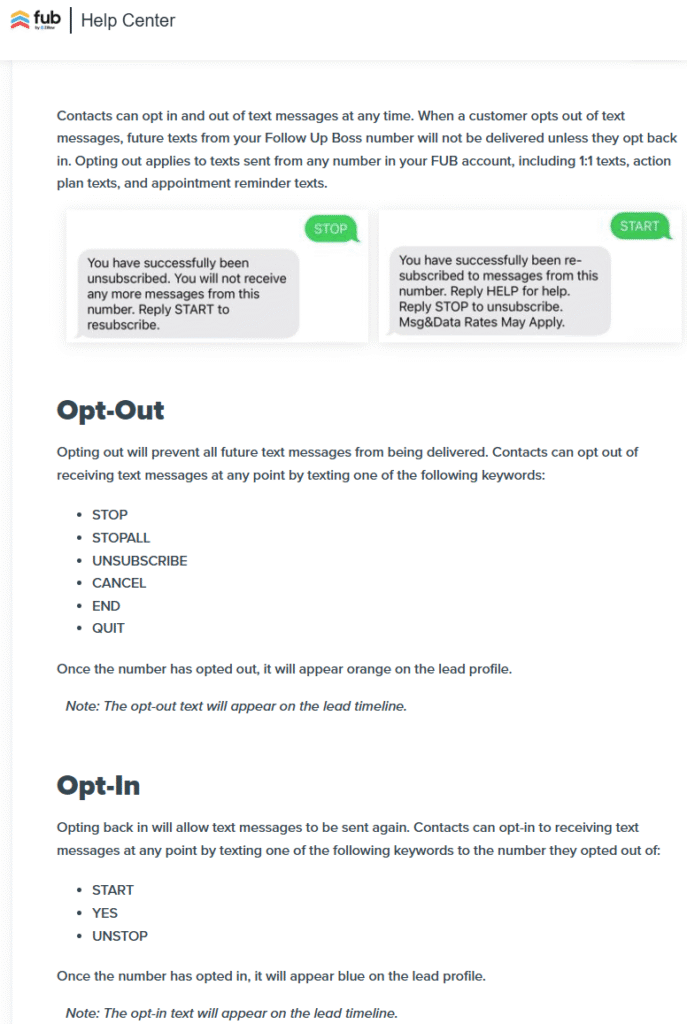
Text / SMS Opt-Out & Re-Subscribe
The FUB support guide covers STOP/UNSUBSCRIBE keywords, what happens (an orange flag on the profile), and that agents can manually re-initiate texting after opt-out.