

Contact Status Management
Because a contact’s status/stage determines which Action Plan runs for them, it is critical to update that stage as soon as you know it. When you learn that a contact’s stage needs updating, do it as soon as possible in the “People” section. Find the contact, go to “Stage”, open the dropdown menu, select the new stage, then click the green checkmark to save.
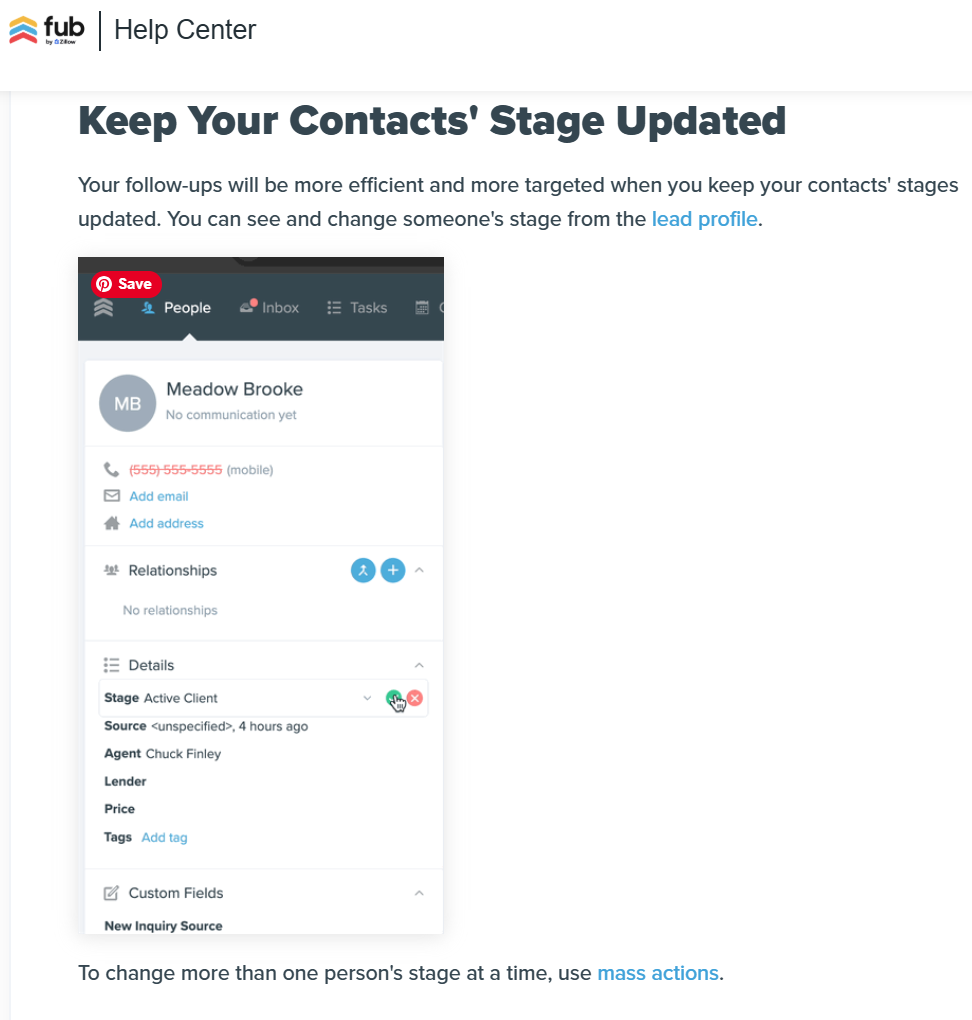
For a complete section in the FUB Help Center on contacts: Changing a Lead Stage
Note: The basic stages used by FUB have been updated to align with CORE Campaigns’ stages.