

Reset a Forgotten Password
If you can’t remember your BoldTrail password, this document will guide you through the process of resetting it. You will need access to the email address for your account.
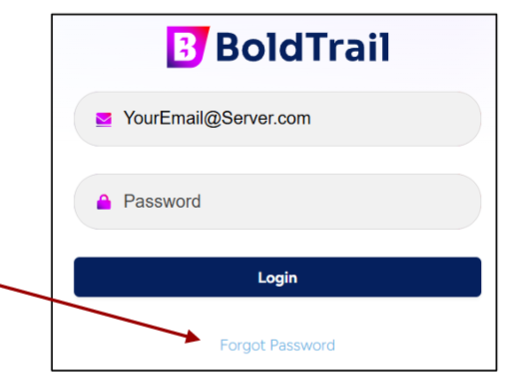
- Once you’ve entered your email address in the BoldTrail login page at https://app.boldtrail.com/login, you will be able to retrieve a forgotten password.
2. Select the “Forgot Password?” link.
3. On the next screen, enter your BoldTrail email address (again), then click the “Send Link” button.
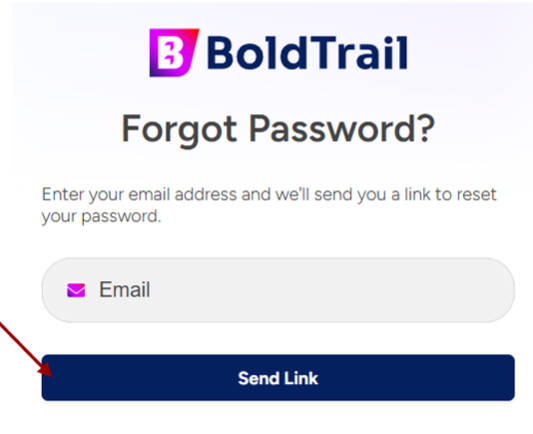
4. An email will be generated with a link to change your password.
5. Check your email, find the email from BoldTrail, click the link provided, then enter a new password when the page loads. This is now your new password!